
Important: Your students cannot access the Gizmos Student App until you log in to your teacher account via your school portal and provide AT LEAST ONE student assignment.
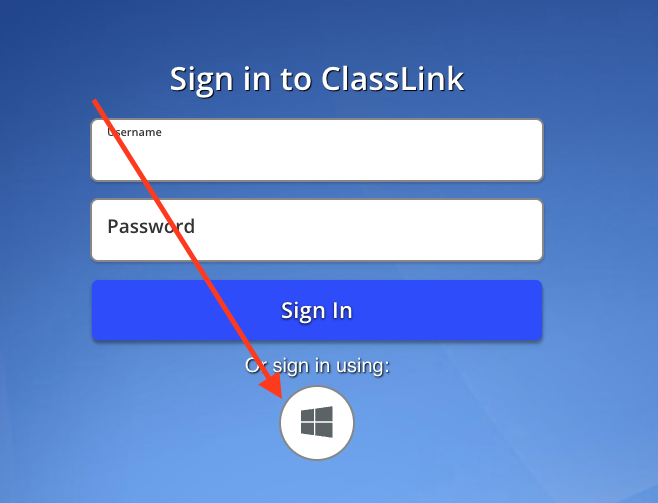
Go to launchpad.classlink.com/pascack
Log in by clicking on the Windows icon
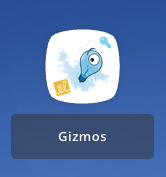
Click on the Gizmos icon

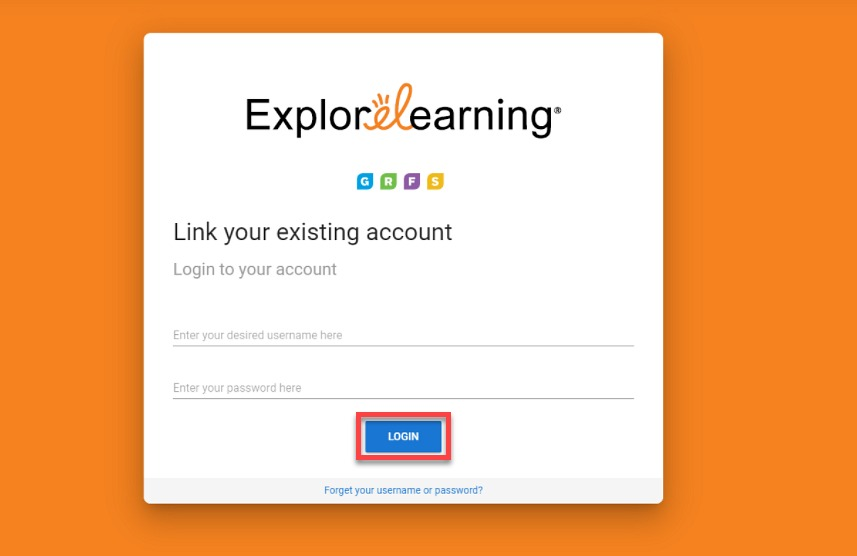
If you've logged in before, enter your associated credentials, then select Login.
Once you have connected your school account with an ExploreLearning Teacher Account, you will be redirected to the Product Launcher Page. Click on Gizmos.
FOR NEW TEACHERS: Registering as a New ExploreLearning Teacher
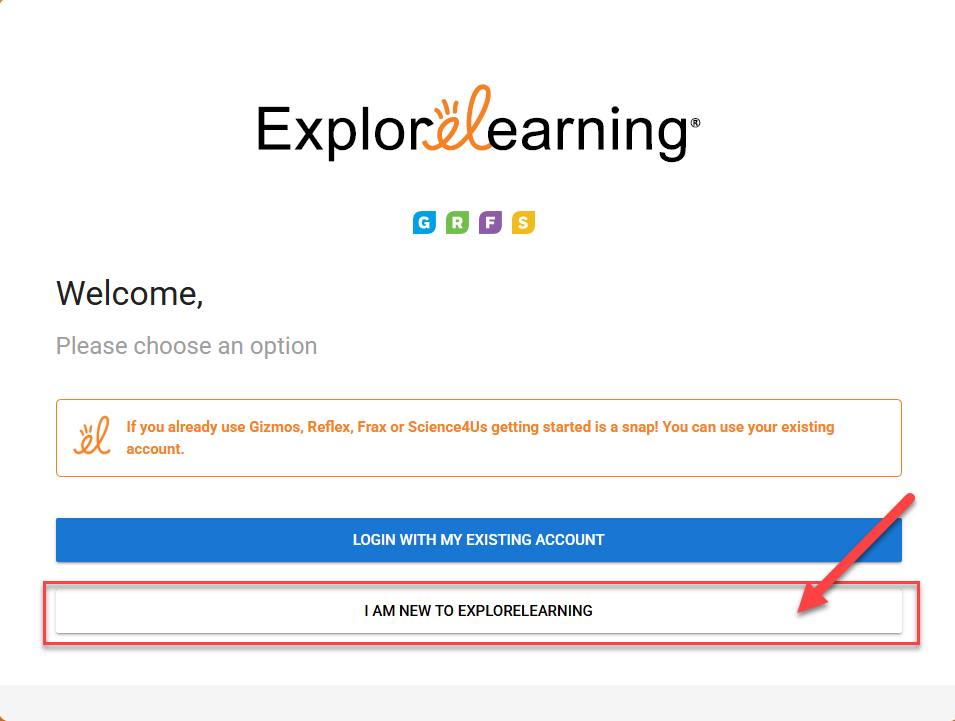
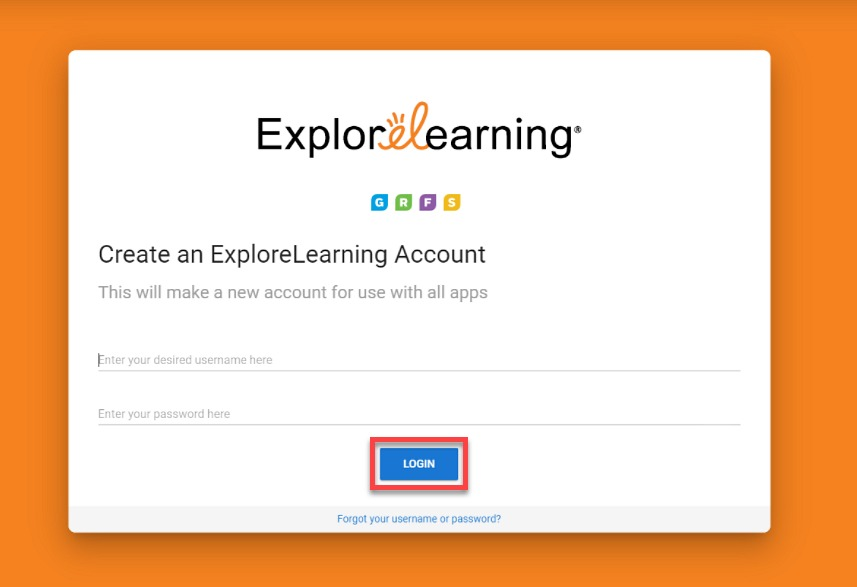
You will be asked to create a username and password for your new ExploreLearning teacher account. Your account will have access to the products specified by your school or district's subscription.
Please note
Your students will use your created username to log in. It should be something that students can type and remember.
As a secondary method, your ExploreLearning credentials will allow you to access your account from outside of your school portal.
Please select a Product to launch your corresponding 'Teacher Dashboard.'